Reconcile sellable stock across Shopify and TikTok Shop while goods are in transit from China. Verify SKU mapping, orders and partial receipts.
What can the warehouse ship today?
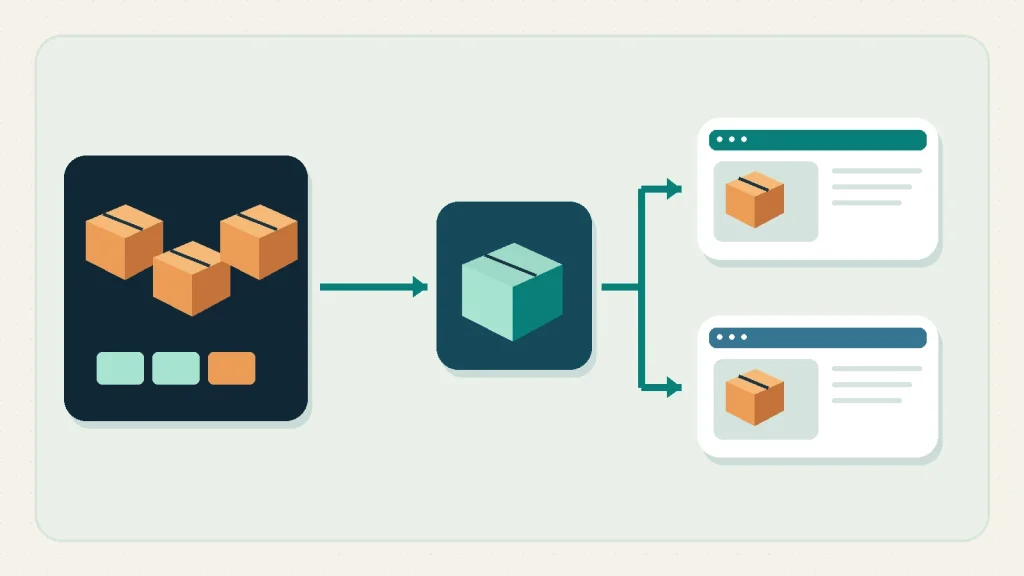
Set today’s sales limit using the stock your warehouse can ship today. A replenishment shipment from China can be on schedule while the last few units are already spoken for. If Shopify and TikTok Shop draw from the same shelves, a sale on either channel reduces the same pool. Count what the warehouse has accepted, trace one order to its reservation and increase the campaign limit only when new stock is ready to pick and both storefronts reflect it.
We’ll follow a single product across two storefronts while a purchase order is still on its way. The connector example comes from the US edition of TikTok Shop Academy and assumes the merchant is already eligible to operate. Shopify outlines the market-specific requirements in its TikTok Shop setup documentation. For questions about finding a supplier or placing the purchase order, see the China purchasing and import guides. Here, the order is already placed. The decision is how much you can safely offer until the warehouse accepts the next shipment.
Why 120 units on the shelf can mean 90 for sale
A warehouse report labelled “stock” can include inventory already promised to buyers, cartons waiting for inspection, and goods sitting in a building that cannot dispatch that product. Read the column definition before comparing it with Shopify. The Shopify inventory definitions separate units physically on hand from units available for sale, committed to orders or unavailable for another reason. Incoming units are recorded separately. The distinction matters most when a large purchase order makes the total supply look healthy even though the pick faces are nearly empty.
Consider a fictional seller of folding desktop stands. The warehouse reports 120 black stands physically present. Twenty are allocated to orders awaiting dispatch. Six are on a quality hold and four are set aside as safety stock. With those ten already recorded as unavailable and twenty committed, 90 are available. Separately, 240 black stands are coming from the supplier. The buying team can plan around those 240, with a risk allowance for receiving. The storefront still starts at 90. If your starting figure is already Shopify’s Available value, do not subtract the same commitments and holds again.
| Quantity in the example | What it represents | Sales decision |
|---|---|---|
| 120 | Units physically on hand | Reconcile against warehouse counts |
| 20 | Units committed to orders | Leave with those orders |
| 10 | Units unavailable, including the recorded reserve | Keep outside the sales pool |
| 90 | Units available before new orders | One pool for both channels |
| 240 | Units incoming from China | Plan receipt, then release accepted units |
Use the same timestamp for a comparison. A count exported before a shift and a store screen captured after several sales can disagree even when both systems work. Record the warehouse, variant, source, timestamp and whether the quantity includes open orders. The next person can then decide whether the difference is a timing issue or a count that needs correction. Ask the warehouse to confirm the number it can pick, even if the records already agree. Two screens can agree because both took the same unverified number from a file.
Follow one SKU from the supplier’s carton to the listing
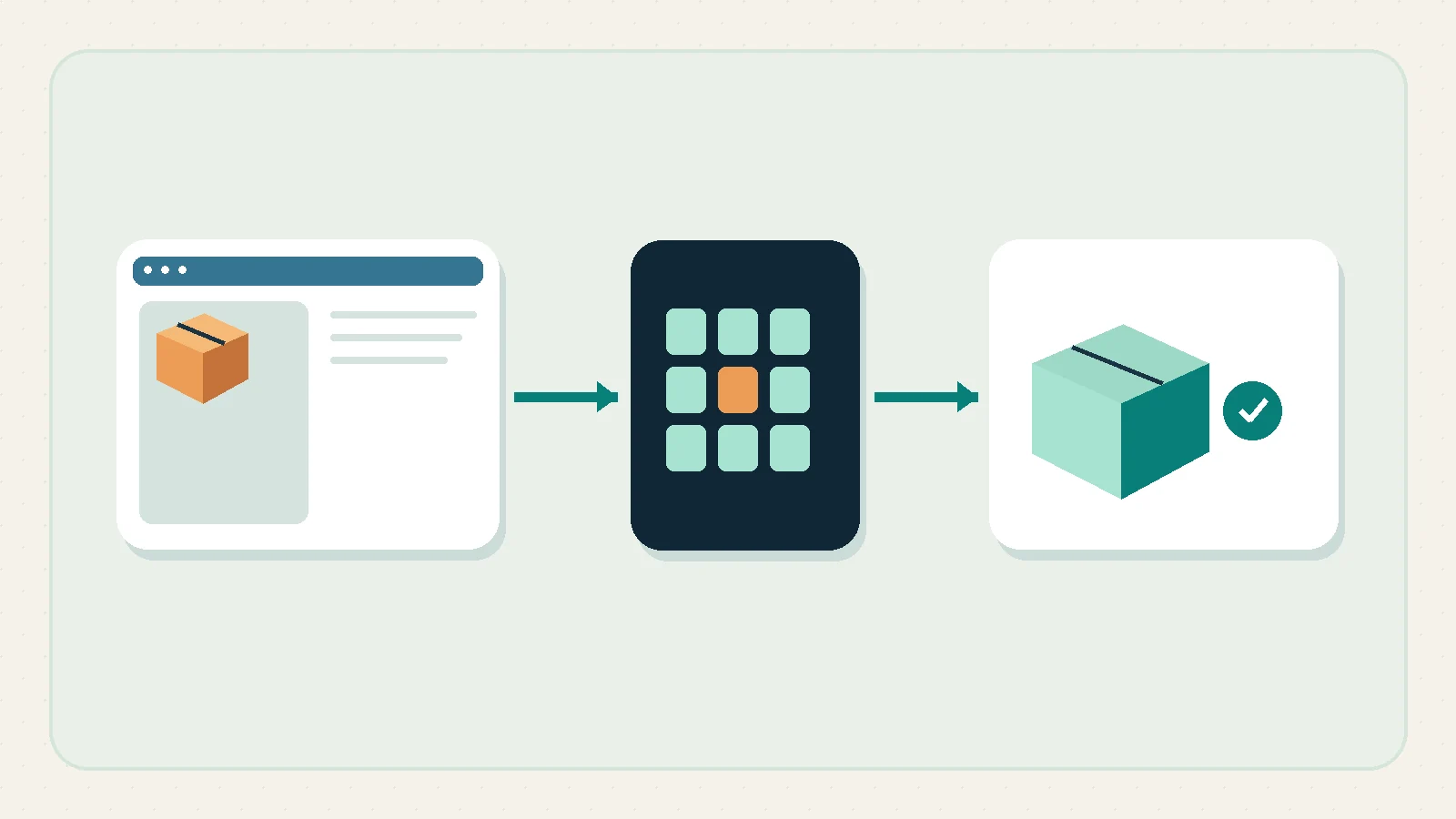
Begin with one line for each saleable combination of product, colour and pack size. Record the supplier’s reference, your Shopify variant identifier, its SKU, the mapped TikTok listing variant, the fulfillment location and the unit that a customer buys. A product title is useful for the person reading the worksheet. The identifiers are what prevent a black single stand and a black two-pack from sharing a counter by mistake.
The supplier may quote cartons of 12, the warehouse may receive each stand by piece, and a TikTok listing may sell a set of two. Write the conversion in the purchase line and make the warehouse verify a carton label against the physical count. For 20 cartons of 12, the expected receipt is 240 pieces. If only 19 cartons are received and one of those contains 10, the physical count is 226. Keep the shortfall visible in the purchasing record. Raising available stock to 240 would create a promise to customers based on what the supplier invoiced instead of what the warehouse received.
Decide how the single and the two-pack draw down the same physical pieces before publishing both. In a setup where the connector and warehouse can actually track a shared component, verify that selling one two-pack consumes two pieces. Where separate prepacked sets are used, move pieces into a separately counted set stock and remove those pieces from the singles pool. Without either control, the same 90 pieces could appear as 90 singles and 45 sets, with no reliable relationship between the two storefront quantities. A product test should include this conversion, not just whether its photograph appears in both stores.
Ask a sourcing team in China for an order file that keeps those identifiers on the quote, carton breakdown and dispatch records. The MOQ negotiation guide handles what the supplier is willing to sell. Your inventory mapping handles what you will be able to count and sell when the shipment arrives. When a supplier changes the pack size, update the order and receiving instructions together. The saleable unit should be explicit enough for a warehouse operator to recount it without guessing how purchasing intended to sell it.
Which warehouse can fill this order?
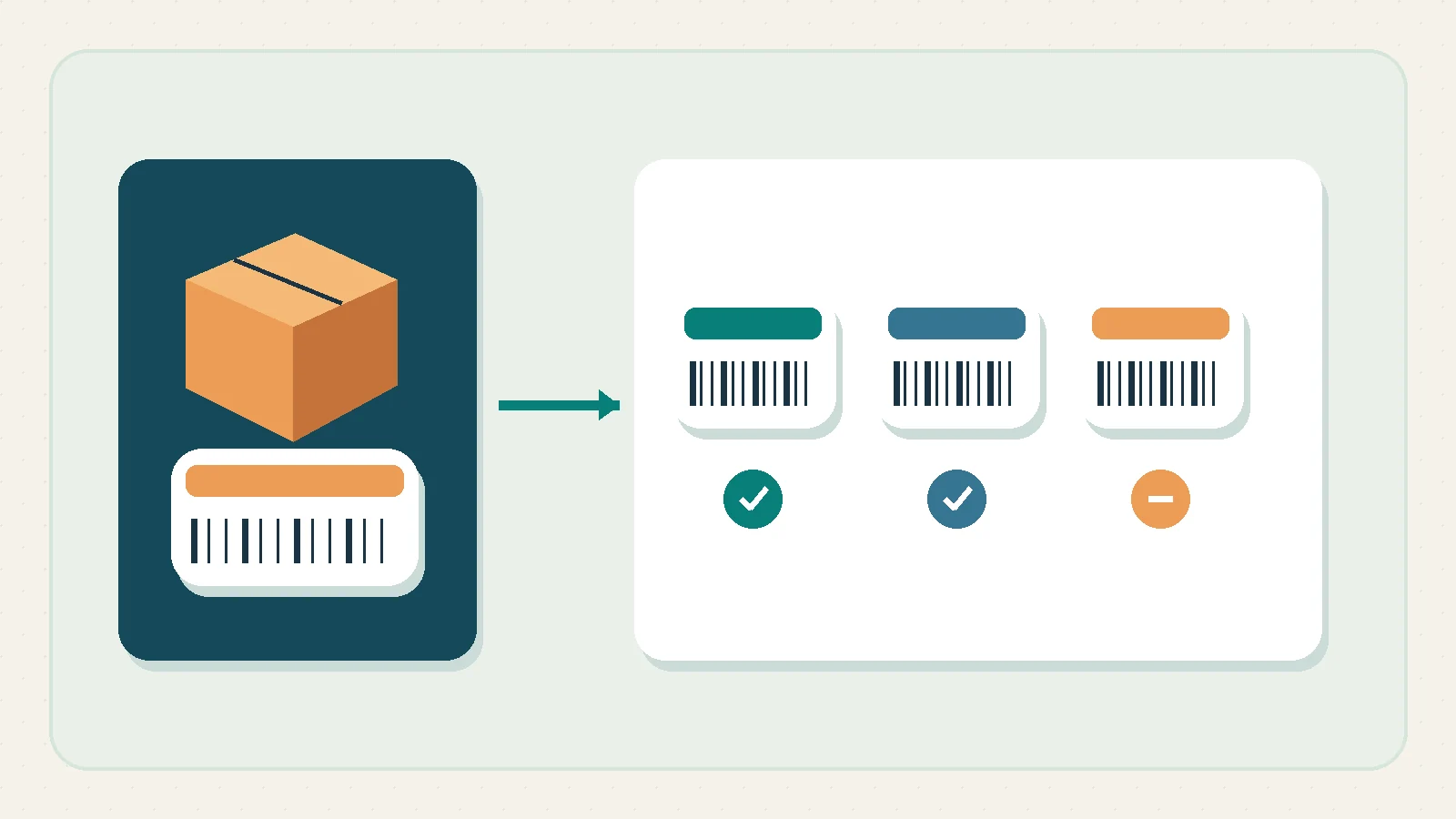
The sample seller has one destination warehouse that fulfills orders and a receiving-only holding location. The destination pick bins carry the black stands. Any stock in the receiving hold can be physically present and still be unusable for new orders. Shopify’s order routing documentation explains that a location excluded from online fulfillment does not participate in order routing. Check the actual assignment and inventory of the variant in the merchant’s setup before deciding that units on a location report can serve the TikTok or Shopify order in question.
Keep the same distinction for a forwarder’s warehouse in China. The forwarder may issue photos, a count or a shipment reference. Those records are useful progress evidence and should update the supply schedule. They do not establish that the designated destination warehouse has an accepted unit ready to pick. Compare the supplier’s latest handover date, the current transport milestone and the warehouse’s intake appointment. The production lead-time guide helps investigate why a shipment moved. The campaign decision can still be made before the cause is resolved, using only the stock that can fulfill an order now.
If several fulfillment locations legitimately serve the same region, write down which can ship this variant to that customer and how reservations reach the other channel. Two warehouses showing a combined 30 pieces do not automatically offer 30 pieces for an order if only one warehouse can dispatch it to the customer’s address. For the first test, isolate one SKU and one approved location. Expand the scope when the order, warehouse pick list and customer-facing availability all agree for that narrow case.
Pick one source for stock updates, then test both channels
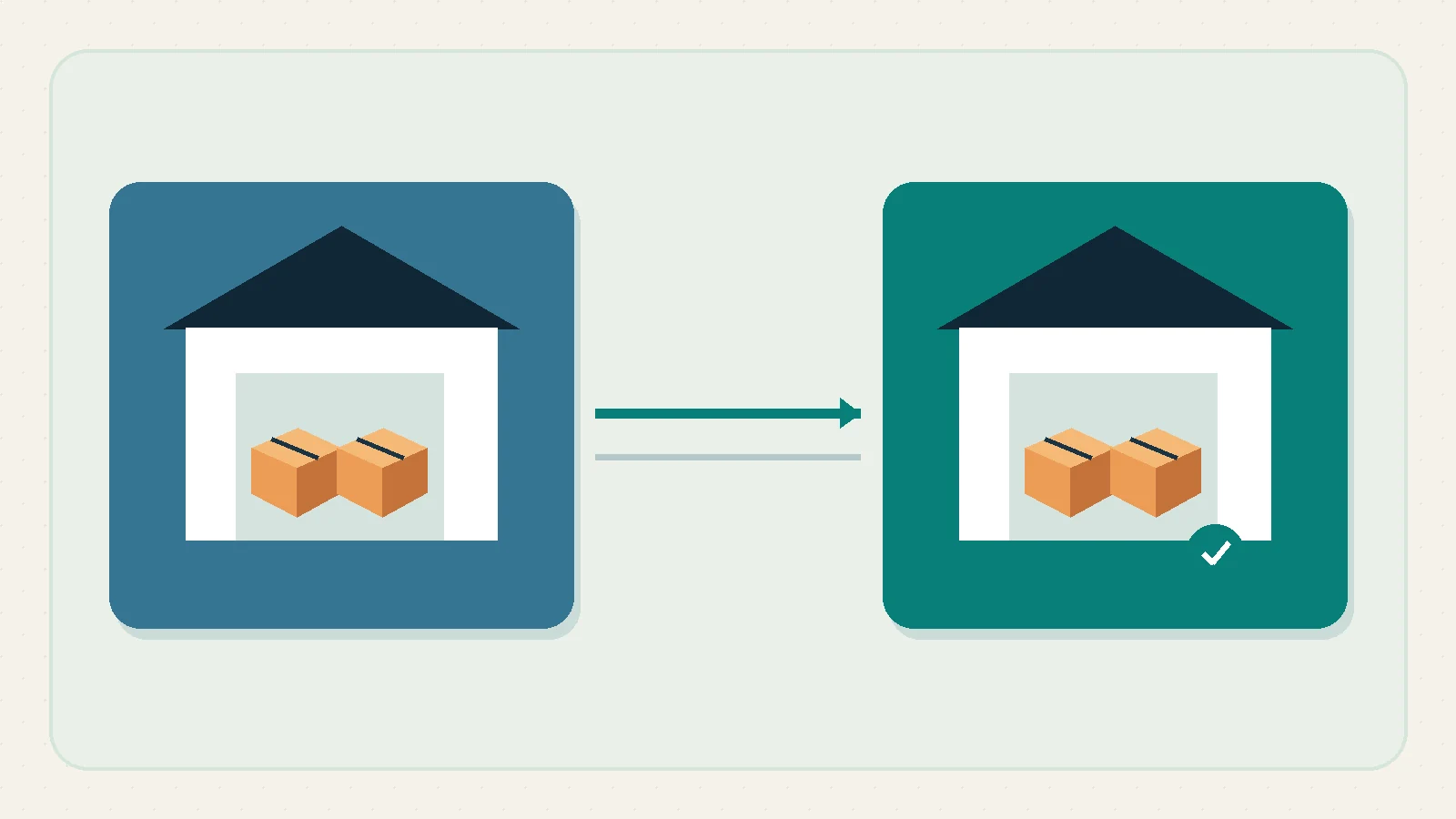
Choose who can publish quantities. A small team can use Shopify as the merchant’s publishing record if the warehouse reports receipts and adjustments there through an agreed process. A business with a warehouse system can keep its physical ledger there and feed Shopify, provided the connector still receives a reconciled store number. The important operational decision is who can make a correction, how it propagates and how to avoid a warehouse feed overwriting a more recent reservation. Assign a person to stop and investigate a conflicting update.
The US TikTok Shop Academy guide to Shop Management describes the Shopify-to-TikTok inventory sync and an optional threshold that can make a low-stock listing show zero. The guide also distinguishes the separate inventory, price and product controls. Check what is enabled in the actual account and whether the product is mapped. A setting labelled threshold can close the TikTok offer while leaving Shopify’s available quantity intact. That differs from setting units aside in Shopify’s inventory record. Apply each control for its own purpose and record it in the worksheet so nobody treats two controls as one reduction.
Test with a low-exposure variant through the merchant’s approved test process. Record both channel quantities and any open orders first. Verify that a Shopify order reserves the expected number and check what the mapped listing subsequently shows. For a permitted TikTok order test, look for its corresponding Shopify record and read the current available amount there and in Seller Center. Check the warehouse pick or reservation as well. Record each observation with a timestamp and an order reference. Do not rely on a success banner in the connector to prove that a specific order is actionable.
Shopify’s TikTok Shop order documentation says an order is checked against available inventory and may not be created in Shopify when no stock is available. The operational response is to reconcile the marketplace order before creating any manual duplicate. Search by the marketplace order reference and distinguish an order that has not appeared from one that has appeared twice under two workflows. Treat the missing record as an exception owned by a named person. If you need a marketplace cancellation or refund, use the official workflow for that market and confirm the resulting stock separately.
Make a second, independent check from the point of view of the next person on shift. Can they tell whether it is safe to promise another unit, whether the last sale is committed and which system should be corrected if the numbers differ? If the only evidence is a screenshot from a settings page, the test has left out the order and the warehouse. Keep a simple record with a beginning quantity, one observed event, expected movement and actual readback. When a new connector version or warehouse mapping changes, repeat the same experiment with the same identifiers.
Work out your campaign limit before you go live
Return to the 90 available black stands. The merchant wants to feature 75 units in a short campaign. At the decision cut-off, seven recent Shopify orders and four TikTok orders have to be reconciled. If the seven are already reflected in a fresh Available value of 83, subtracting them again would be wrong. If the four marketplace orders are verified as still absent and each is for one stand, hold four units against that exception until they are recorded or resolved. The decision pool is then 79. The channel listing may still show 83 while the reconciliation is under way.
Assume the operator keeps six more units outside the campaign plan for expected ordinary sales during that time window. That is a planning allocation rather than a new physical shortage. The campaign can plan around 73 units. The original proposal for 75 would need a smaller promotion, separate confirmed stock, or a later start. The existing four-piece safety stock was already inside the ten unavailable units and stays there throughout. The extra six-unit campaign allocation serves a different purpose. It need not alter the merchant’s safety stock setting, and the team should be able to explain each reduction in one sentence.
When the four marketplace orders appear in Shopify and reserve stock, Available may fall from 83 to 79. Release the separate exception hold at the same point so the decision pool remains 79 rather than falling again. Keep the order references in the reconciliation sheet and record why that manual hold ended. A repeat export with no order identifiers can make the same four reservations appear to need another hold. To prevent this, compare order-level events with the quantity changes instead of comparing totals alone.
Now add a mismatch. The listing says 90 again although Shopify and the warehouse agree that the pool is lower. Stop adding exposure until someone checks when the number last changed and what published it. Look for an older warehouse export, a second integration or a manual edit to the wrong variant. Correct the authoritative quantity, use the supported resync if appropriate and confirm that the marketplace shows the corrected number. If the marketplace still accepts orders at the old quantity, the operational safeguard is to pause or limit that offer using controls already understood and tested by the merchant.
Let accepted stock back onto the storefront in stages
The campaign limit we calculated used the stock already on the shelf. A delivery changes that limit only after the warehouse has counted the relevant variant and released the units it can pick.
The purchase order provides the expected quantity and supplier terms. In the workflow described in Shopify’s purchase order guide, receipt and partial receipt are tracked through the linked inventory transfer. Your warehouse should still provide the evidence that supports each acceptance decision. Ask for the actual count per variant and the number with damage, uncertain identity or missing packaging. Keep the shipment reference and the date available to the person making the adjustment. Where the platform workflow would make received stock available before inspection, ensure the receiving and hold process is configured and tested before the shipment arrives.
Suppose the first delivery brings 168 black stands. Inspection accepts 160, with eight physically present but held. The other 72 from the original 240 remain outstanding. If Available is 79 before receipt and the eight held units are never included in Available, it rises to 239 after 160 accepted units are released, assuming no other events. Check the actual state and order activity before using that sum. Open orders can reserve stock while the warehouse is working. A second operator comparing figures an hour later should see both the accepted count and the intervening sales.
If the eight held stands are later accepted, release those eight with the warehouse’s recorded decision. If they remain disputed, keep them unavailable and use the post-delivery discrepancy guide for the supplier follow-up. A box that passed an origin inspection can still be short or damaged on arrival. Plan an inspection and quality control handoff, but allow the destination warehouse to record its own receipt and hold counts. Do not publish the remaining 72 because the supplier sent the dispatch notice for a second truck.
Before reopening a large promotion, take one final snapshot for each affected variant. Capture the amount accepted, physical location, available count, orders under exception, live TikTok offer state and Shopify quantity. Resume at a modest exposure and verify a new order and the corresponding stock movement before raising it further. If figures disagree, preserve the previous limits and find the last confirmed event. This gives the team a way to start selling again without requiring it to guess which of several dashboards is current.
When one storefront says zero and the other doesn’t
If the number on a storefront still looks wrong after receiving, resist the urge to type in the count again. Check which SKU the listing points to and find the last event that changed its stock.
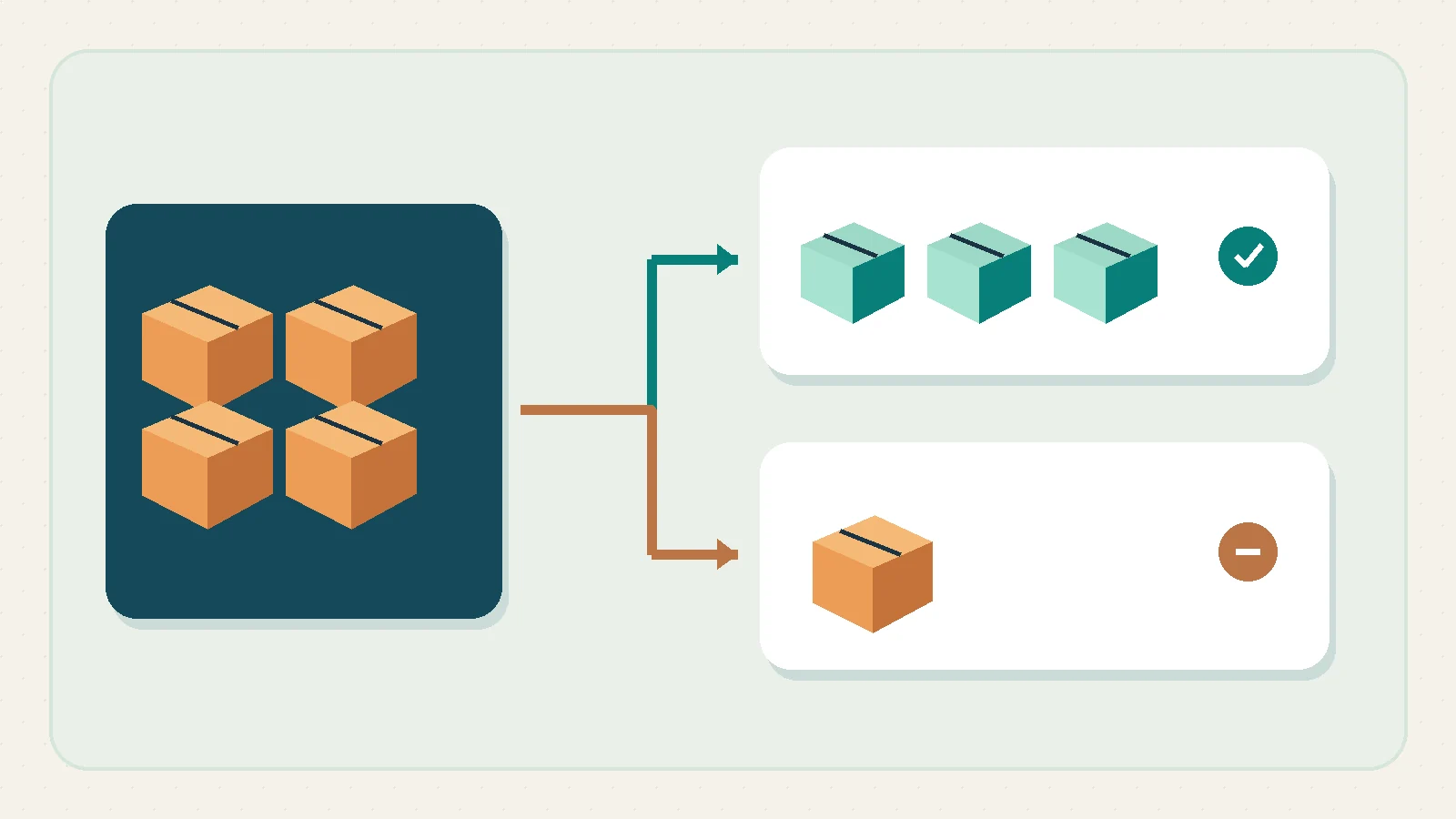
When TikTok Shop displays zero but Shopify shows availability, inspect the exact mapped variant before changing stock. The US TikTok for Shopify FAQ points to mapping, the inventory sync setting and actual variant availability. Add two questions from your own workflow. Is the correct fulfillment location in scope? Is the TikTok threshold intentionally suppressing the offer? An expected zero near a threshold needs a different response from a black stand mapped to a white stand with no stock.
Use a short incident record with one line per mismatch. Include where you saw it, the last known good timestamp, the two values, the variant identifiers, the latest order or adjustment, and the owner of the next action. If a feed was replayed, find the original warehouse event and whether it changed the count twice. If a manually adjusted quantity is being overwritten, trace the writing system before editing the same field again. Save the before and after numbers and verify the fix with a controlled order or actual readback. A correct quantity that reverts on the next sync is an unresolved incident.
Returns deserve their own gate. A marketplace order marked returned or refunded is a commercial event. Sellable stock should change only when the warehouse has the actual item and has recorded its condition, or when the merchant’s verified process supports another specific disposition. For a returned black stand with missing hardware, the safest record shows the unit physically on hand but unavailable. Allow the original order and the receiving reference to explain why the item did not go straight back into the campaign quantity.
Agree on a handoff rule for weekends and nights. Purchasing reports inbound changes, the warehouse owns the received and accepted counts, and the channel operator owns marketplace readback. Name a backup with authority to lower exposure if an issue is unresolved. A small merchant may have one person wearing all three hats. The handoff still matters because a promise on a livestream, a confirmed warehouse receipt and a stock update are separate events that deserve separate evidence.
What to check before you reopen the listing
Can we count goods that are already on the water?
Use them in the supply schedule. Keep them outside available stock until the designated warehouse has received the relevant units and confirmed what can be sold.
Should Shopify and TikTok Shop show identical figures?
They can show the same shared inventory in the configured integration. A channel threshold, a mapping issue or an unprocessed order can produce a different display. Reconcile the underlying SKU and location before changing either number.
How should we handle a marketplace order missing in Shopify?
Find the original marketplace order and compare it with Shopify and the warehouse records. Hold stock for the verified order while it is unresolved, then remove the separate hold once the same order is properly reflected or otherwise resolved.
When does a partial delivery let us restart?
After you can identify the received variant, accepted quantity, correct warehouse location and current availability on both channels. Restart against the accepted portion and keep missing or held units outside the promise.
What should a China sourcing partner send us?
Ask for a variant-level breakdown, the packing conversion and the latest confirmed dispatch quantity. Share those records with your warehouse so the receipt can be compared with the order line in saleable units.
If you need help structuring the sourcing file, start with the supplier, intended saleable SKU, pack size and destination warehouse. A clearly documented receipt is what lets your store turn a purchase plan into a quantity it can promise.
For help with the purchase behind this stock plan, explore the available services for buying and importing from China. Bring the product specification, quantities by variant and receiving destination so the purchasing, inspection or freight work can be discussed for your order.
Sources and scope
The platform references above describe Shopify and the documented US TikTok integration. All quantities, teams and inventory incidents in the worked example are fictional. Test the specific store, connector and warehouse process you use before promising stock to customers.